UGREEN UM106X / CM753 — 6-Port 2.5Gb Switch Manual
Model UM106X (CM753 on bottom label) · 5 × 2.5Gb RJ45 + 1 × 10Gb SFP+
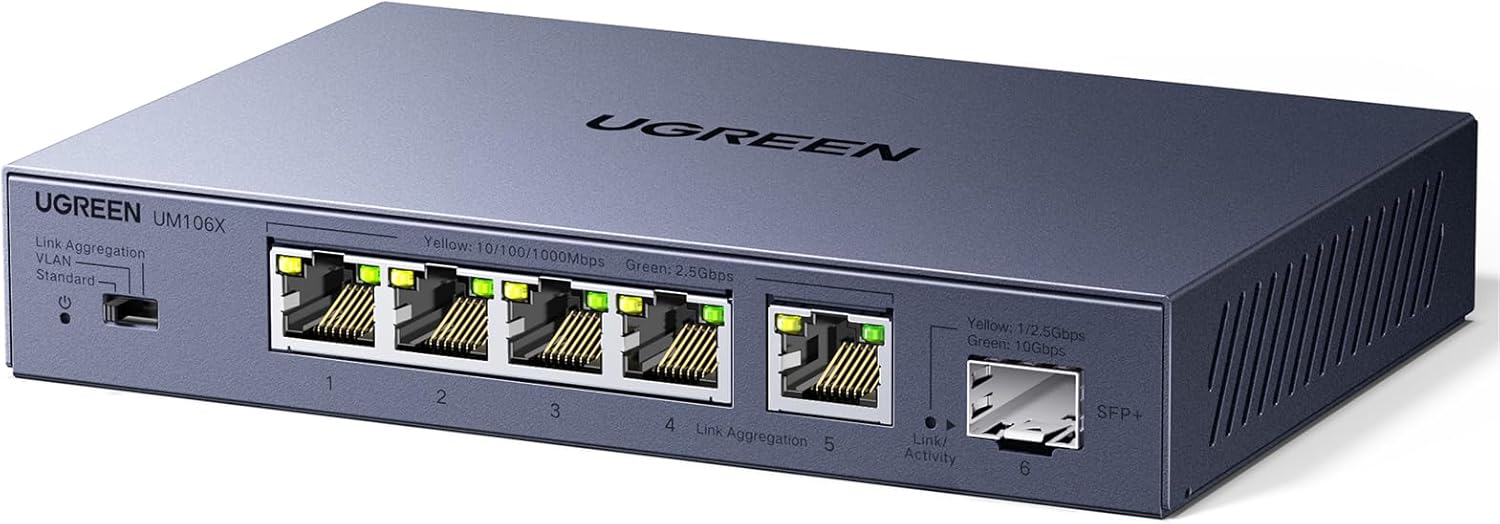
UGREEN UM106X — front panel showing ports 1–5 (RJ45) and port 6 (SFP+)
Introduction
This manual covers the UGREEN 2.5Gb 6-Port Ethernet Switch (Model UM106X). This unmanaged switch features five 2.5Gb RJ45 ports and one 10Gb SFP+ port, with a physical toggle for Standard, VLAN, and Link Aggregation modes — no software or app required.
Speed Overview
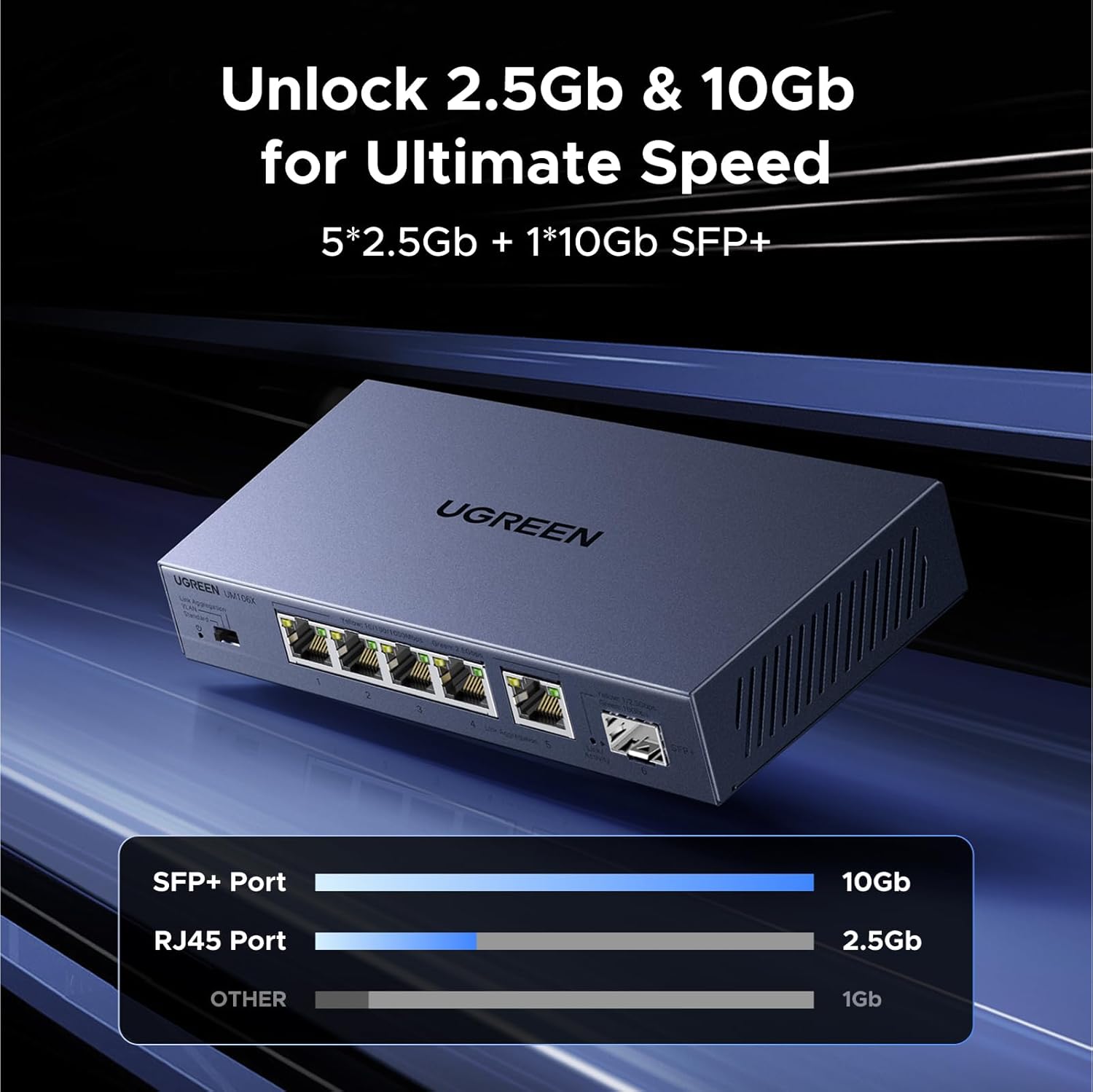
The UM106X delivers two speed tiers:
- SFP+ Port (port 6): up to 10Gb — connect your NAS, server, or router for maximum throughput.
- RJ45 Ports (ports 1–5): up to 2.5Gb each — 2.5× faster than standard Gigabit.
- Devices with only 1Gb NICs still connect normally at 1Gb.
SFP+ Port — Plug and Play
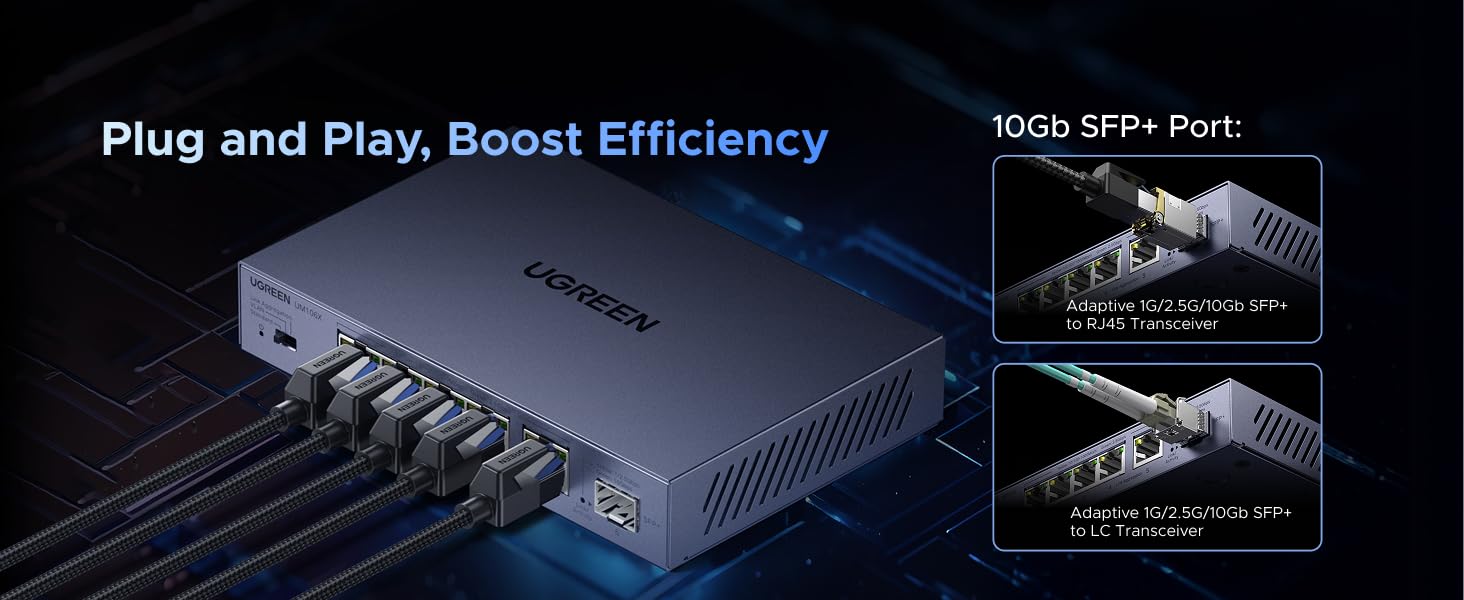
The SFP+ port (port 6) accepts compatible modules — no configuration needed:
- RJ45 copper transceiver (adaptive 1G/2.5G/10Gb) — for CAT6/CAT6a cable runs.
- LC fiber transceiver (adaptive 1G/2.5G/10Gb) — for long-distance fiber runs.
Insert the module before powering the switch. Hot-swap is not officially supported.
Package Contents
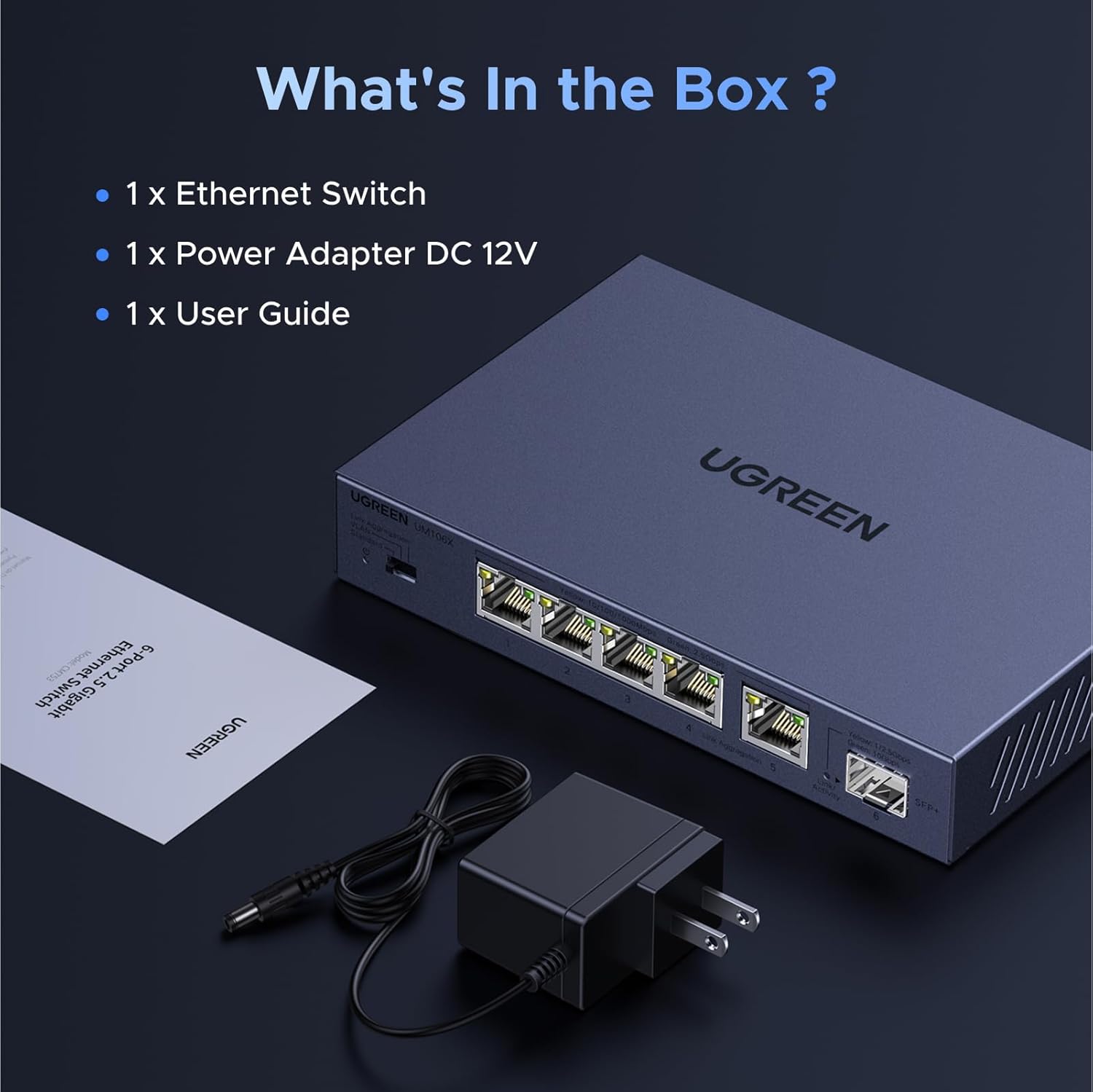
Verify all items are present:
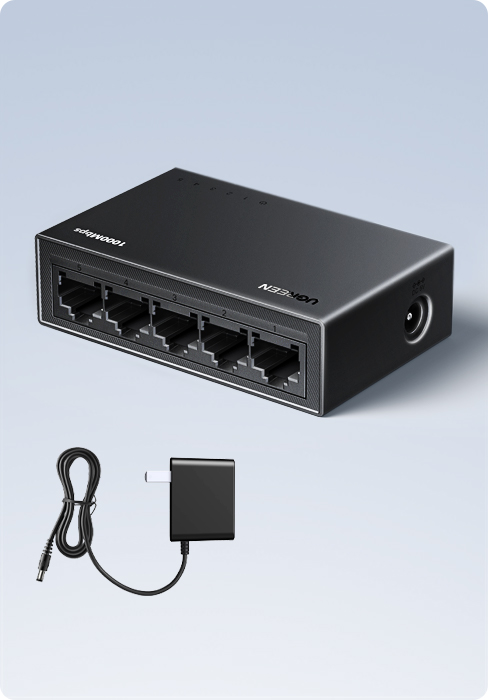
- 1 × UGREEN 2.5Gb Ethernet Switch (UM106X)
- 1 × Power Adapter DC 12V
- 1 × User Guide
Port Layout & Setup
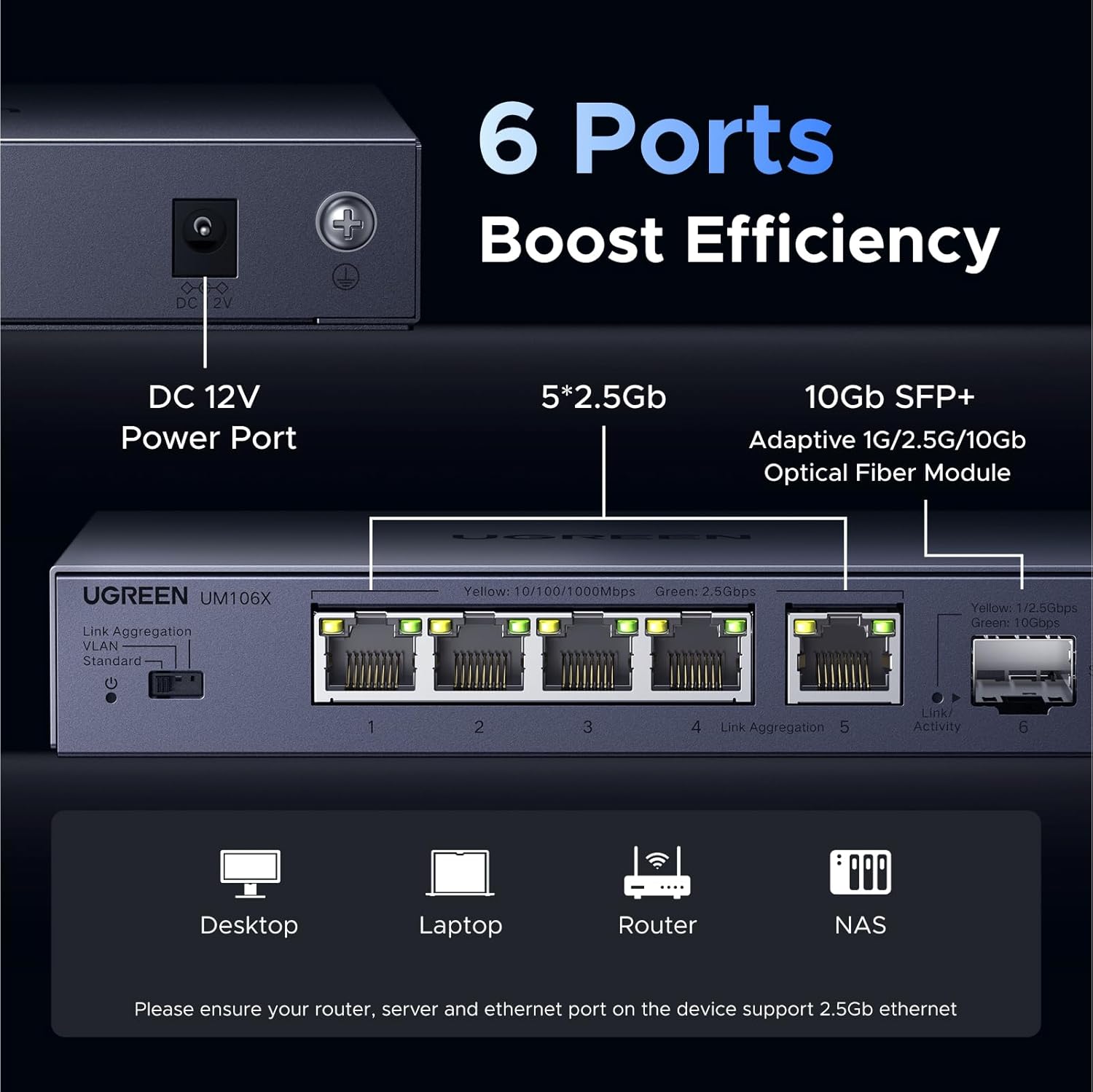
Power Connection: Connect the DC 12V adapter to the rear power port, then to a power outlet.
Network Connections: Connect your devices (computers, NAS, routers, gaming consoles) to RJ45 ports 1–5. For 10Gb, use the SFP+ port with a compatible module.
Ready to use: The switch is plug-and-play — it auto-detects full/half-duplex and link speed on every port.
Operating Modes

A physical slide switch on the front-left panel selects the operating mode. Cycle power after changing modes.
1. Standard Mode (default)
All ports communicate with each other normally. Use this for general home or office networking.
2. VLAN Mode
Ports 1–4 are isolated from each other but can each communicate with ports 5 and 6. Use for building a virtual LAN, preventing network storms, or separating guest and main traffic.
3. Link Aggregation Mode
Ports 4 and 5 are bonded into a single logical 5Gb link. Use when your NAS or server supports LACP (802.3ad) bonding — provides bandwidth and redundancy.
Note: The switch passes VLAN-tagged frames transparently. All ports act as trunks. No web-based managed configuration.
Wall Mounting
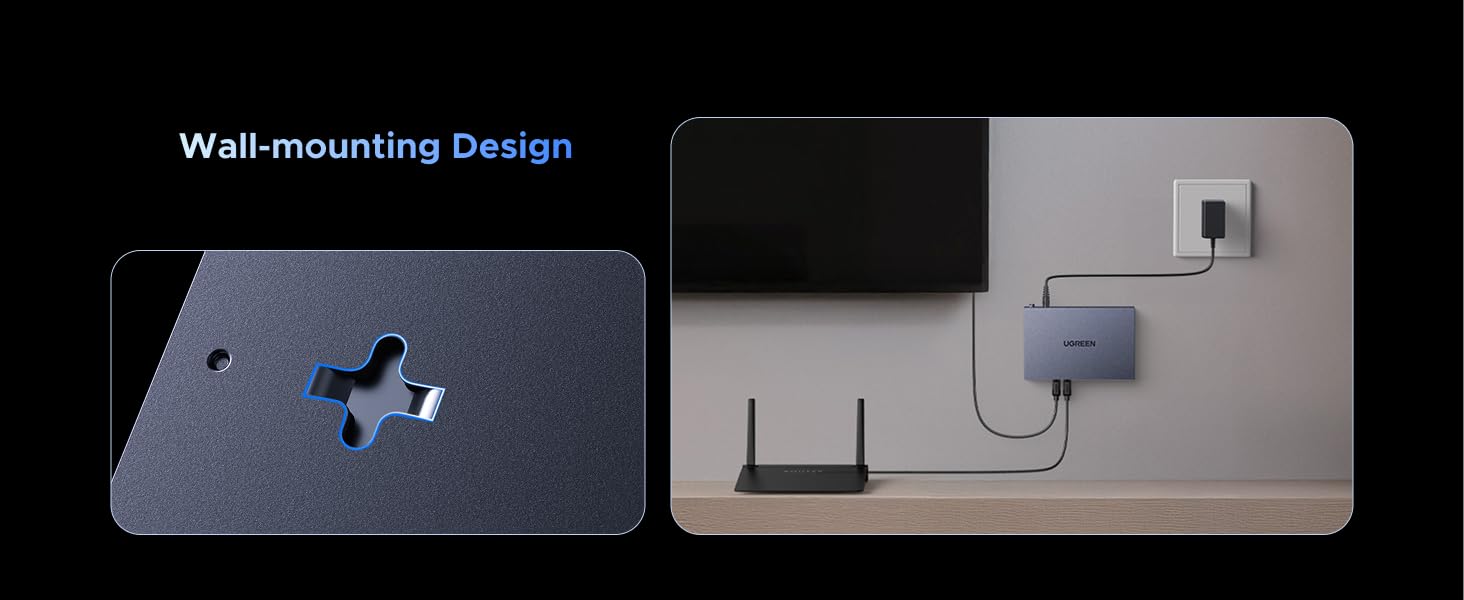
The UM106X supports both desktop placement and wall mounting. For wall mount, use the two keyhole slots on the bottom of the unit. Drive two screws into the wall at the correct spacing, then hang the switch.
LED Indicators
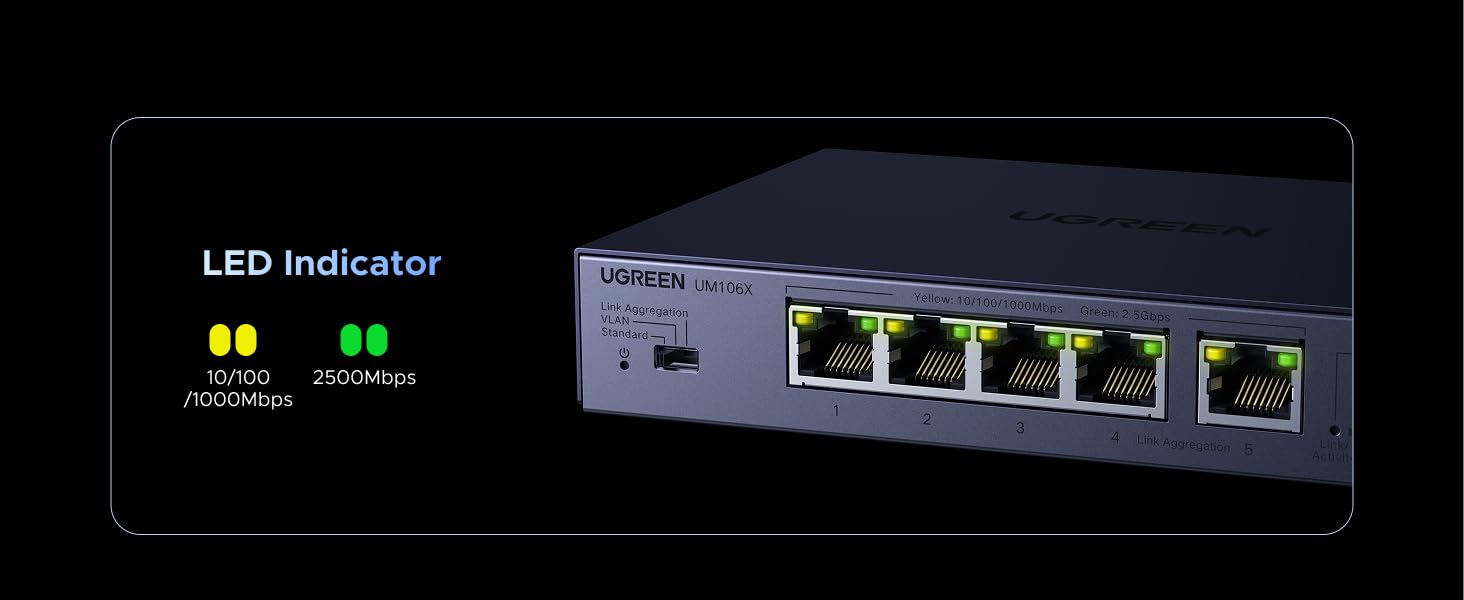
| LED Colour | Port | Meaning |
|---|---|---|
| Green (solid/blink) | RJ45 ports 1–5 | 2.5Gb link active |
| Yellow (solid/blink) | RJ45 ports 1–5 | 10/100/1000Mb link |
| Green (solid/blink) | SFP+ port 6 | 10Gb link active |
| Yellow (solid/blink) | SFP+ port 6 | 1Gb or 2.5Gb link |
| Off | Any | No link detected |
Lightning Protection & Maintenance
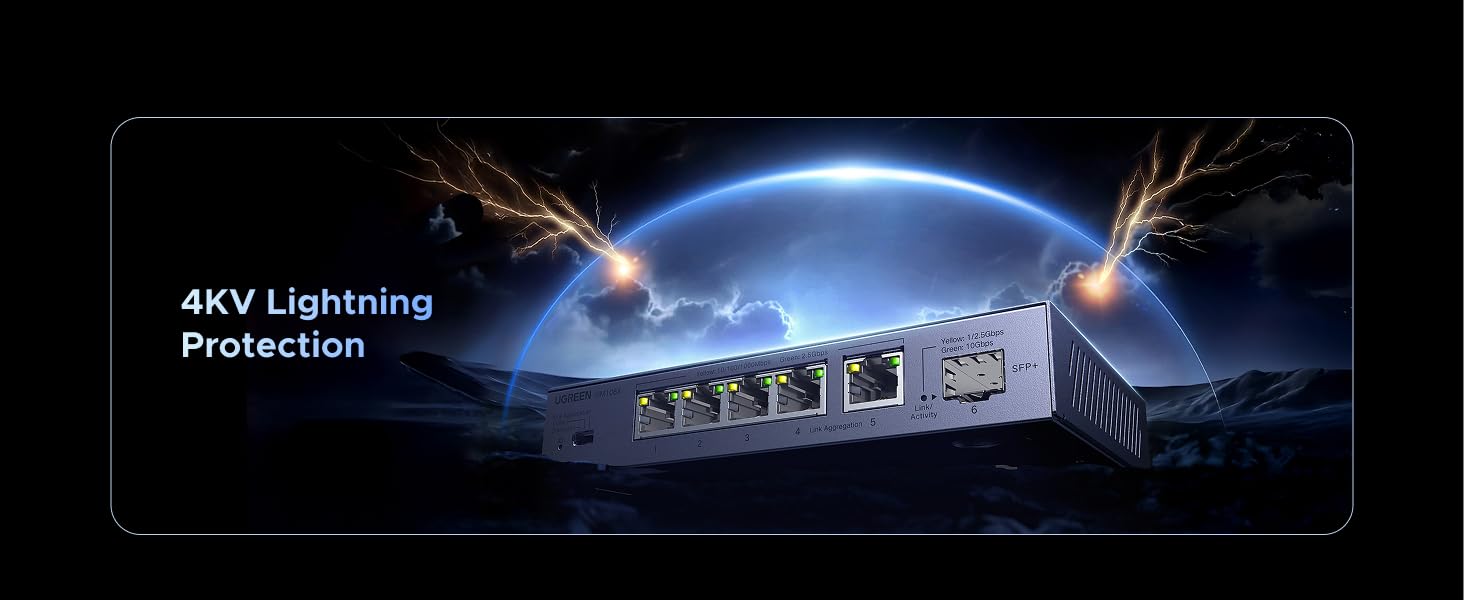
The UM106X includes 4KV surge protection on all ports. Use a UPS or power bar surge protector in addition, especially in lightning-prone areas.
- Clean exterior with a soft, dry cloth only — no liquids.
- Keep side grilles clear for airflow. Metal chassis dissipates heat ~30% better than plastic.
- Operate away from direct sunlight, moisture, and strong EMI sources.
- Use only the original UGREEN DC 12V adapter.
Specifications
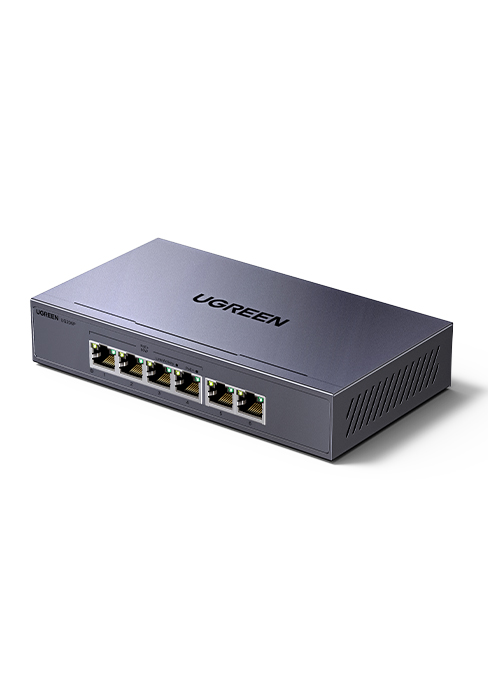
| Attribute | Value |
|---|---|
| Brand / Model | UGREEN UM106X (CM753 on bottom label) |
| Ports | 5 × RJ45 (2.5Gb) + 1 × SFP+ (10Gb) |
| RJ45 Speed | 10/100/1000/2500 Mbps (auto) |
| SFP+ Speed | 1G / 2.5G / 10Gb (module dependent) |
| Operating Modes | Standard / VLAN / Link Aggregation |
| Switch Chip | Realtek-based (heatsink fitted) |
| PHY Chips | Realtek RTL8221B (2.5GbE) |
| Power | DC 12V (rear port + ground) |
| Case | Metal — grey (Space Blue) |
| Weight | 1.63 lbs |
| Dimensions (pkg) | 10.79 × 5.71 × 2.32 in |
| Lightning Protection | 4KV surge (all ports) |
| Energy Standard | IEEE 802.3az (EEE) |
| Wall Mount | Yes (keyhole slots, bottom) |
Troubleshooting
| Problem | Solution |
|---|---|
| No power | Check DC 12V adapter at both ends; verify outlet. |
| No link LED | Try a different cable or port; check device NIC. |
| Stuck at 1Gb | Confirm device has 2.5Gb NIC; use CAT5e or better cable; update NIC driver. |
| Mode not applying | Cycle power after moving the physical mode switch. |
| Intermittent drops | Check for loose cable; move away from EMI sources. |
Additional Notes
The UM106X is labelled CM753 on the bottom sticker; faceplate reads UM106X — same unit. Key findings from independent review:
- SFP+ port includes a small heatsink — unusual at this price.
- Metal chassis reduces thermal load ~30% vs. plastic.
- VLAN-tagged frames pass transparently (all ports act as trunks).
Sources: manuals.plus · ServeTheHome UM106X review
Warranty & Support
For warranty information see the card included in packaging or visit www.ugreen.com